Convert PNG to JPG - Online, Fast & without singup
Preview & Convert
Converting...
0%
Conversion Complete
Your JPG files are ready to download.
Documentation: PNG to JPG Converter - User Manual
How to Use PNG to JPG Converter
Upload
Drag & drop or click to upload PNG files.
Convert
Click "Convert to JPG" to process your images instantly.
Download
Save the converted JPG files to your device.
Note: Your files are processed locally in your browser and removed from memory after leaving the page.
Watch This Video Guide to Convert PNG to JPG Easily
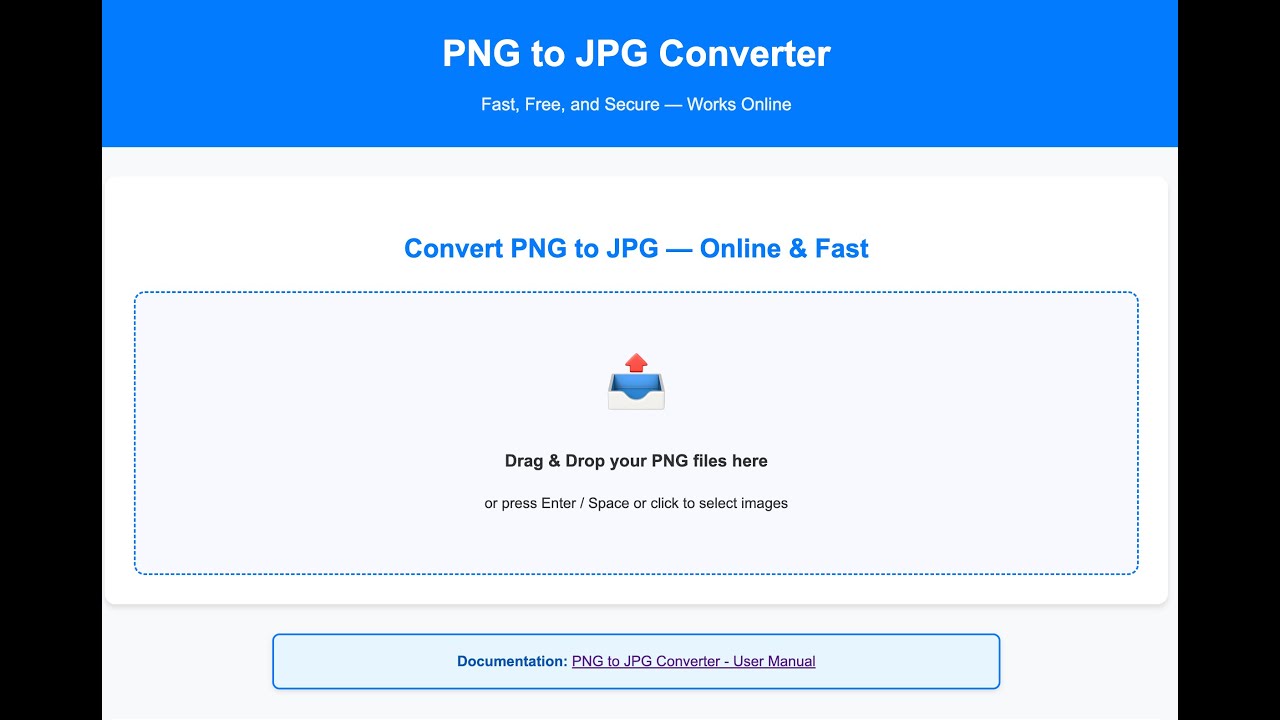
PNG to JPG Conversion Made Simple
Our free online PNG to JPG converter makes it easy to transform your PNG images into high-quality JPEG files. No registration or email required—just upload your images and convert them instantly, right in your browser. You can batch convert up to 20 PNG files at once, with support for files up to 50 MB each.
How Does PNG to JPG Conversion Work?
PNG and JPG are two of the most popular image formats. PNG files are perfect for web use, offering lossless compression and support for transparency. However, they aren’t ideal for printing or sharing where smaller file sizes are needed. JPG files use smart compression to reduce file size while maintaining good image quality, making them suitable for both digital and print.
Why Convert PNG to JPG?
- JPG files are easier to share and upload due to their smaller size.
- JPG supports CMYK color, making it better for professional printing.
- Converting removes transparency, so your images display consistently everywhere.
- Batch conversion saves you time—convert up to 20 images at once.
How to Use Our PNG to JPG Converter
- Click the upload area or drag and drop your PNG files.
- Preview your images and start the conversion with one click.
- Download your new JPG files individually or all at once.
Your images are processed securely in your browser—nothing is uploaded to any server. This means your files remain private and are removed from memory when you leave the page.
Frequently Asked Questions (FAQ)
Yes, our converter is 100% free to use. You can convert unlimited PNG images to JPG without any hidden costs.
No, this is a browser-based tool. Everything works online without installing any software.
Yes, your images never leave your device. Conversion happens locally in your browser, and files are removed once you leave the page.
Yes, you can drag & drop or select multiple files and convert them in a batch.
JPG output uses smart compression for small file size and good quality.